
Best AI Video Generators for Mobile Creators in 2026
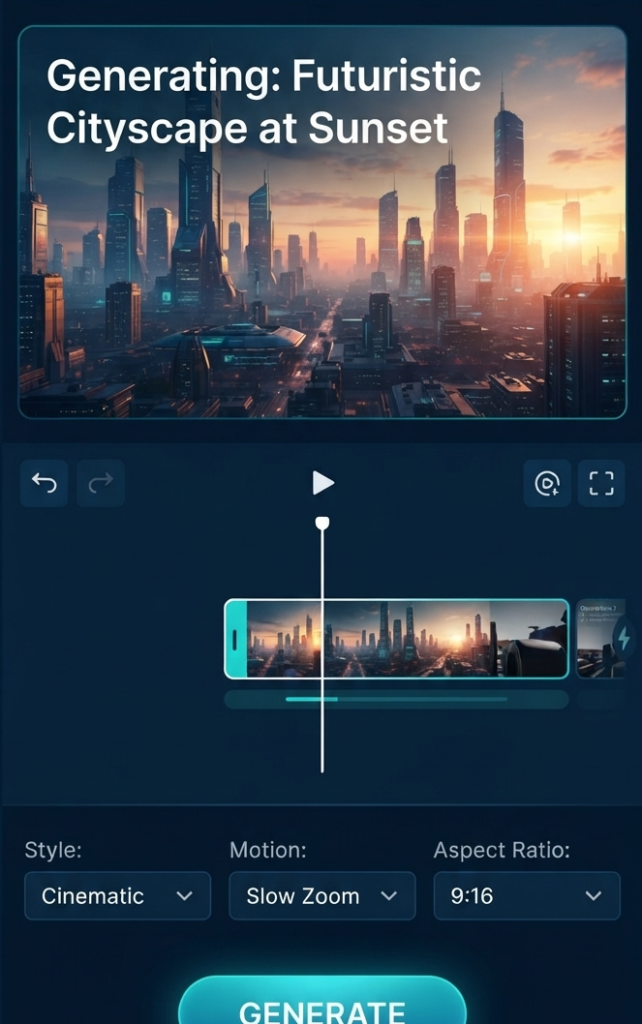
Creating a good video used to mean having a camera, editing software, and a reasonably powerful computer. Today, things are very different. If you have a smartphone and a good idea, you can create a complete video with the help of AI tools.
AI video generators have become especially useful for people who create content for YouTube Shorts, TikTok, Instagram Reels, and other short-form platforms. They can help turn a written idea into a video, animate an image, create individual scenes, or speed up the editing process.
But there is one problem: there are now so many AI video tools that choosing the right one can be confusing.
Some are designed for beginners, while others give experienced creators more control. Some are better at realistic scenes, and others are more useful for quickly creating social media content.
In this guide, we will look at some of the best AI video generators for mobile creators in 2026 and explain what each one is actually useful for. In this guide we will look at some of the best AI video generators for mobile creators, along with their features, pricing and what each tool is best for.
InVideo AI Best for beginners and social media videos
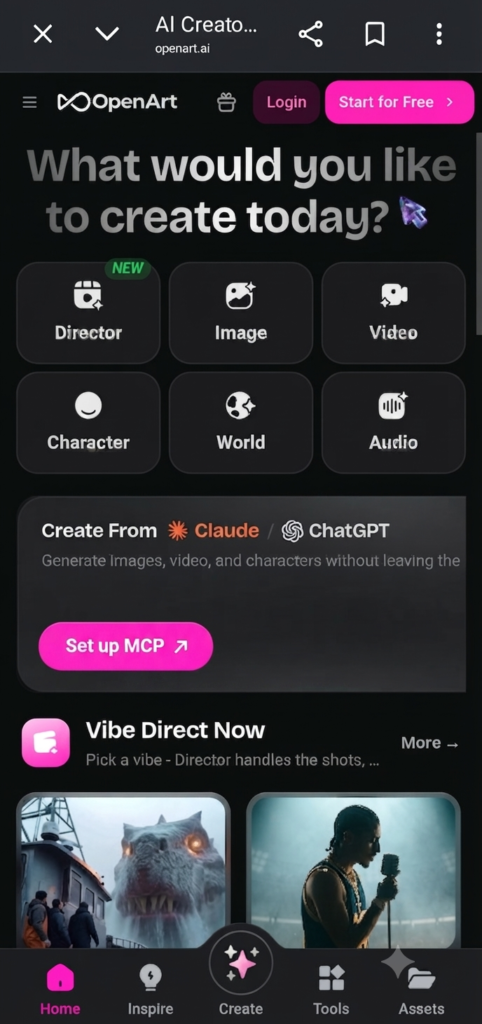
If you are new to AI video creation, InVideo AI is one of the easiest places to start.
Instead of opening a complicated editing timeline and building everything from scratch, you can describe the video you want to create. The platform can then help turn that idea into a video with scenes, visuals, text, voiceover, and other elements.
This is particularly useful when you already know what you want to say but do not want to spend hours creating every part of the video manually.
For example, a creator could start with an idea such as a short motivational video, an educational explainer, or a social media advertisement. From there, the AI can help create the initial version.
What makes InVideo AI useful?
The biggest advantage is its simple workflow. Beginners can get a starting point without needing advanced editing skills.
It can be useful for:
- YouTube Shorts
- TikTok videos
- Instagram Reels
- Faceless videos
- Educational content
- Promotional videos
However, you should not treat the first AI-generated version as the finished product. Check the script, visuals, timing, and voiceover before publishing it.
A few manual changes can make the result feel much more natural.
2. Kling AI Best for Creative AI Scenes
Kling AI is a strong option for creators who want to experiment with visually interesting AI-generated videos.
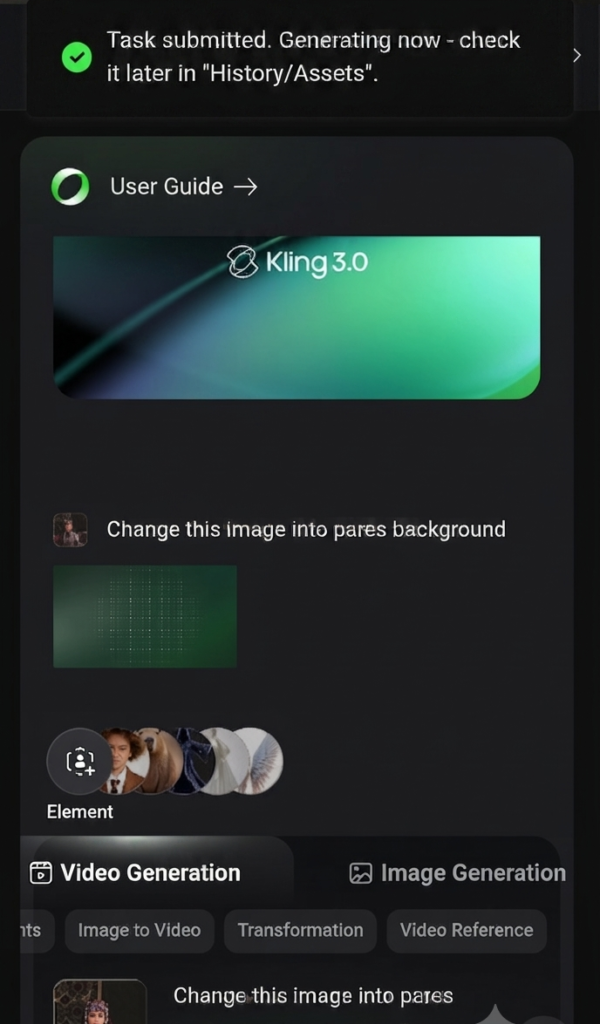
One of its useful applications is image-to-video generation. Instead of starting with a completely empty project, you can use an image as a reference and turn it into a moving scene.
This can be particularly interesting for creators who make storytelling videos, historical content, fantasy scenes, character videos, or cinematic-style Shorts.
Who should try Kling AI?
Kling AI is worth considering if your content depends heavily on visuals.
It is less about automatically creating an entire social media video from beginning to end and more about giving creators interesting footage that they can use in their own edits.
That makes it a useful addition to a mobile creator’s workflow.
3. Google Veo Best for Cinematic AI Video
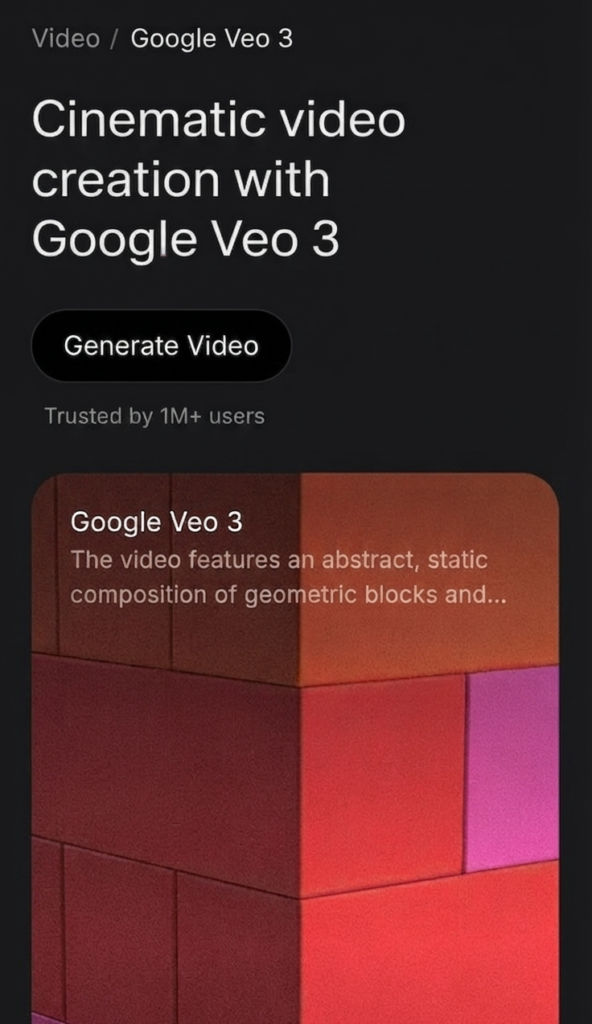
Google Veo is aimed at high-quality AI video generation and is particularly interesting for creators who want more cinematic-looking scenes.
The quality of the final result depends heavily on the prompt. A short and vague instruction may not communicate enough information, while a well-written prompt can describe the subject, environment, camera movement, lighting, and overall mood.
For example, instead of simply asking for a person walking through a city, you could describe the time of day, weather, camera movement, surroundings, and visual style.
This gives the AI more information about the scene you are trying to create.
What can creators use Veo for?
It can be useful for:
- Storytelling
- Cinematic Shorts
- Concept videos
- Creative advertisements
- Visual scenes
- Experimental content
For mobile creators, the main benefit is the ability to create footage without physically filming every scene.
Of course, AI-generated footage still needs human judgment. Always check the output for visual mistakes and consistency before using it in a final project.
4. Runway Best for More Control
Runway is a better fit for creators who want to go beyond simple text-to-video generation.
The platform combines AI generation with creative and editing features, giving users more opportunities to experiment with their footage.
This makes it interesting for people who already understand basic video editing and want to add AI into their existing workflow.
You can use AI-generated clips alongside your normal footage instead of making an entire project with AI.
Why is Runway different?
The main advantage is control.
A beginner may prefer a tool where they simply enter a prompt and receive a complete video. An experienced editor may want to generate individual scenes, change visuals, experiment with effects, and then assemble everything manually.
Runway is more suitable for the second type of creator.
It can be useful for:
- Creative video projects
- AI-generated scenes
- Visual effects
- Image-to-video work
- Experimental videos
- Short films
If you are already comfortable with editing apps, it is worth exploring.
5. Sora Best for Storytelling Ideas
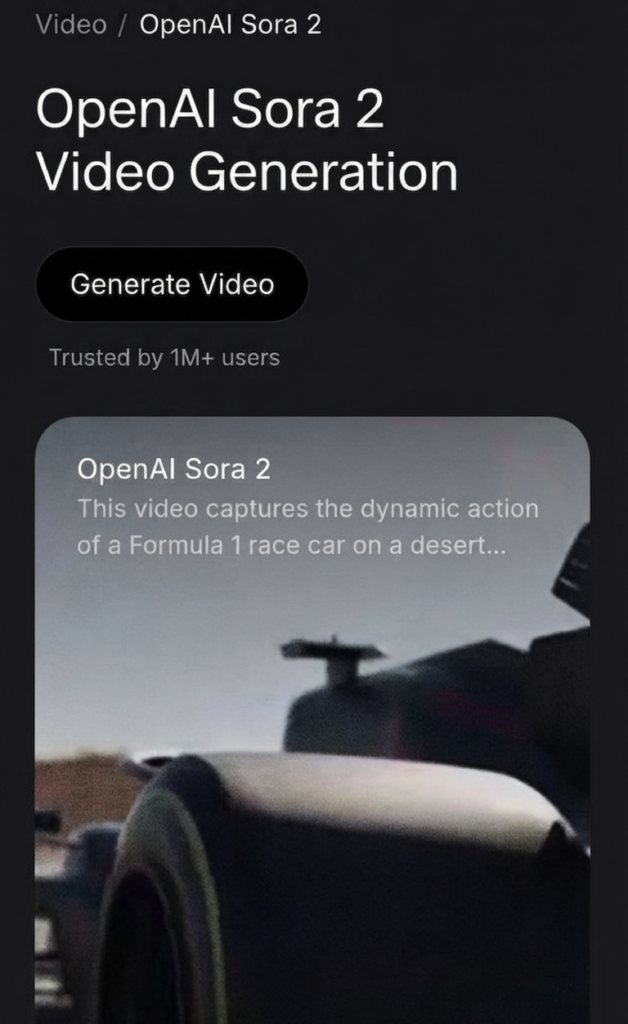
Sora is another AI video generation option for creators who want to turn written ideas into visual scenes.
The interesting part is how much creative freedom a detailed prompt can provide. You can describe a scene, characters, environment, actions, and the overall visual direction.
This makes the tool particularly interesting for storytelling.
For example, a creator working on a short story could generate individual scenes instead of trying to film everything in real life.
It can also be useful for concept videos and creative social media content.
The importance of prompts
With tools like Sora, your prompt matters.
A simple instruction such as “make a historical video” does not give the AI much information.
A stronger prompt can explain the setting, characters, actions, camera perspective, lighting, and atmosphere.
The goal is not to make every prompt extremely long. It is to give the AI the information it actually needs.
Best AI Video Generators For Mobile creators:Which AI Video Generator Should You Choose?
Among the best AI video generators mobile creators, each tool offers different features for different type of content. There is no single AI video generator that is perfect for every creator.
Your choice should depend on what you are trying to make.
Choose InVideo AI if you want an easy workflow for social media videos and are relatively new to AI video creation.
Choose Kling AI if you want creative image-to-video scenes and visually interesting clips.
Choose Google Veo if cinematic quality and detailed scene generation are your main priorities.
Choose Runway if you already have editing experience and want more creative control.
Choose Sora if storytelling and turning detailed ideas into visual scenes are your main goals.
You also do not have to choose only one. Many creators can benefit from using different tools for different parts of the same project.
For example, you could generate a scene with one tool, edit it on your phone, add captions, and then finish the video in your preferred editing app. if you are looking for the best AI video generators for mobile creators, considers factors such of use, pricing, video quality, and available features.
Tips for Creating Better AI Videos on a Phone
Having access to an AI video generator does not automatically make your content good. The creator still has an important role.
Start With a Clear Idea
Before opening an AI tool, decide what the video is supposed to communicate.
If the idea is unclear, the generated video may also feel random.
Write down the main message, audience, and type of video you want to create.
Write Specific Prompts
Give the AI useful information about the scene.
Mention things such as:
- Subject
- Location
- Action
- Camera movement
- Lighting
- Mood
- Visual style
You do not need to use complicated words. Clear instructions are more important than fancy vocabulary.
Generate Short Scenes
Instead of trying to generate a long video in one attempt, create shorter scenes.
This gives you more control when something goes wrong. You can simply regenerate the problematic scene instead of starting the entire project again.
It also makes editing easier on a phone.
Always Review the Output
Never assume that an AI-generated video is ready to publish.
Watch the complete clip and look for strange movements, incorrect details, awkward timing, or anything that does not match your original idea.
This step is especially important when you are creating content for a professional page or monetized channel.
Add Your Own Editing
AI should make your workflow faster, not remove your creativity.
After generating the footage, you can add your own:
- Captions
- Music
- Voiceover
- Transitions
- Zoom effects
- Branding
- Color adjustments
Even simple manual editing can make an AI-generated video feel much more personal.
Are AI Video Generators Worth Using in 2026?
For mobile creators, they can be extremely useful.
The biggest advantage is not that AI completely replaces video editing. It is that AI can reduce the amount of time needed to create certain parts of a video.
A creator who once needed to search for stock footage, create graphics, or film a particular scene may now be able to generate a starting point with AI.
At the same time, AI still has limitations. Results can vary, some generations may need several attempts, and the final video often benefits from manual editing.
That is why the best approach is to think of AI as another tool in your editing workflow.
Final Verdict
Choosing the best AI video generators for mobile creators depends on you editing needs, budget, and preferred workflow. For beginners, the best AI video generators for mobile creators are easy to use and fit there content style. AI video generators have changed what is possible for creators working from a smartphone.
For beginners, InVideo AI is a practical starting point because of its straightforward workflow. Kling AI is interesting for creative image-to-video work, while Google Veo is worth considering when you want more cinematic results. Runway is better suited to creators who want additional control, and Sora can be useful for turning creative storytelling ideas into visual scenes.
The best tool ultimately depends on your content style.
You do not need to use every AI video generator available. Start with one tool, learn how its prompts and workflow work, and experiment with different types of content. Once you understand what works, you can add other tools when they genuinely improve your workflow.
For mobile creators in 2026, the real advantage is not simply having AI generate a video. It is being able to take an idea from your phone and turn it into something worth watching much faster.
